

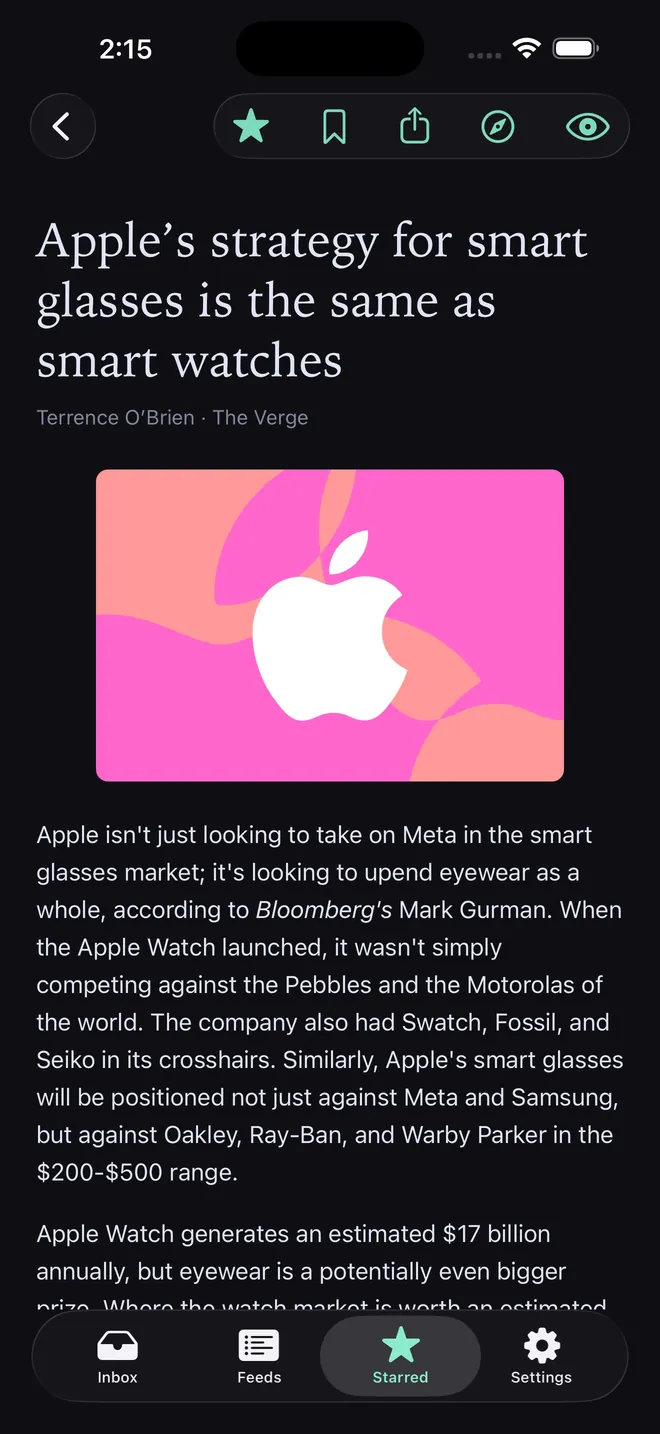
This is the same quiet reader, built native. Your feeds, folders, and read, star, and read-later state stay with your account — on iPhone, iPad, Mac, Apple Watch, and the web at serenereader.com.
No ads, no ranking, no AI summaries, no streaks. Feeds stay in the order they arrived. Focus mode is here too. The apps are free to download.
An RSS reader for iPhone
Articles you open are cached on the device. A commute or a dead signal does not empty the list. Mark something read, star it, or save it for later while you are offline — the change waits on the phone and syncs when you are back.
Three layouts, from a button at the top of the list or in Settings → Appearance. Comfortable is the familiar row with a preview. Compact drops the excerpt so more headlines fit. Card tiles each article with its image, the feed name, and how long ago it was published.
Swipe a row to mark it read, star it, or save it for later. Card view uses a long-press for those actions, because the tiles sit side by side. Focus mode works the same way as on the web: the chrome steps back and the article stays.
An RSS reader for iPad
The same three layouts, with more room. On iPad, Card view spreads across the whole window instead of sitting in a narrow column, as many tiles as the screen has space for. Offline cache and live sync work the same as on iPhone.
Attach a keyboard and the shortcuts match the Mac and the web: j and k through the list, f for focus mode, s to star. Tap the Inbox title to switch between All and any folder you have made, so you can read one group of feeds without leaving the tab.
Search and the Discover catalog are on iPad too, with the same folders you already use on the phone and the web.
An RSS reader for Mac
A desktop RSS reader that stays out of the way. The sidebar lists your feeds and folders. Click a folder to see only that folder's articles; the arrow beside it still opens and closes the folder.
The keyboard is the same muscle memory as the web. Focus mode, chronological order, the article in front of you. Unread counts stay hidden unless you turn them on in Settings → Appearance.
Read in a regular window. No ticker, no notification badges. The article is the point.
An RSS reader for Apple Watch
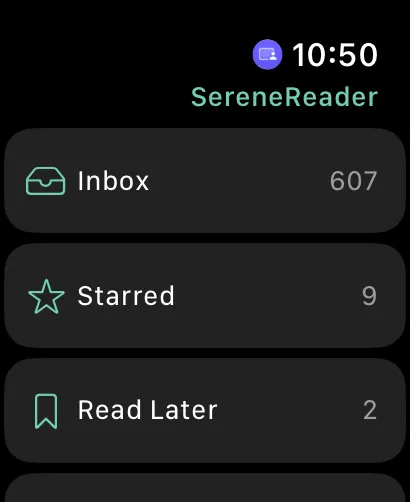
Few RSS readers have a Watch app at all. This one lets you browse feeds and smart lists, glance at unread headlines, and read the article text on your wrist.
Sign-in happens on iPhone. The Watch is a companion: it keeps a snapshot and fetches when you ask. It does not keep a live stream. Opening the original page — anything that needs a real browser — continues on the iPhone.
Long articles stop at a clean break on the small screen. Continue on iPhone when you want the rest.
One account, every screen
One SereneReader account. Feeds, folders, and read, star, and read-later state stay in sync. On iPhone, iPad, Mac, and the web that sync is live. The Watch follows from a snapshot and fetches on demand.
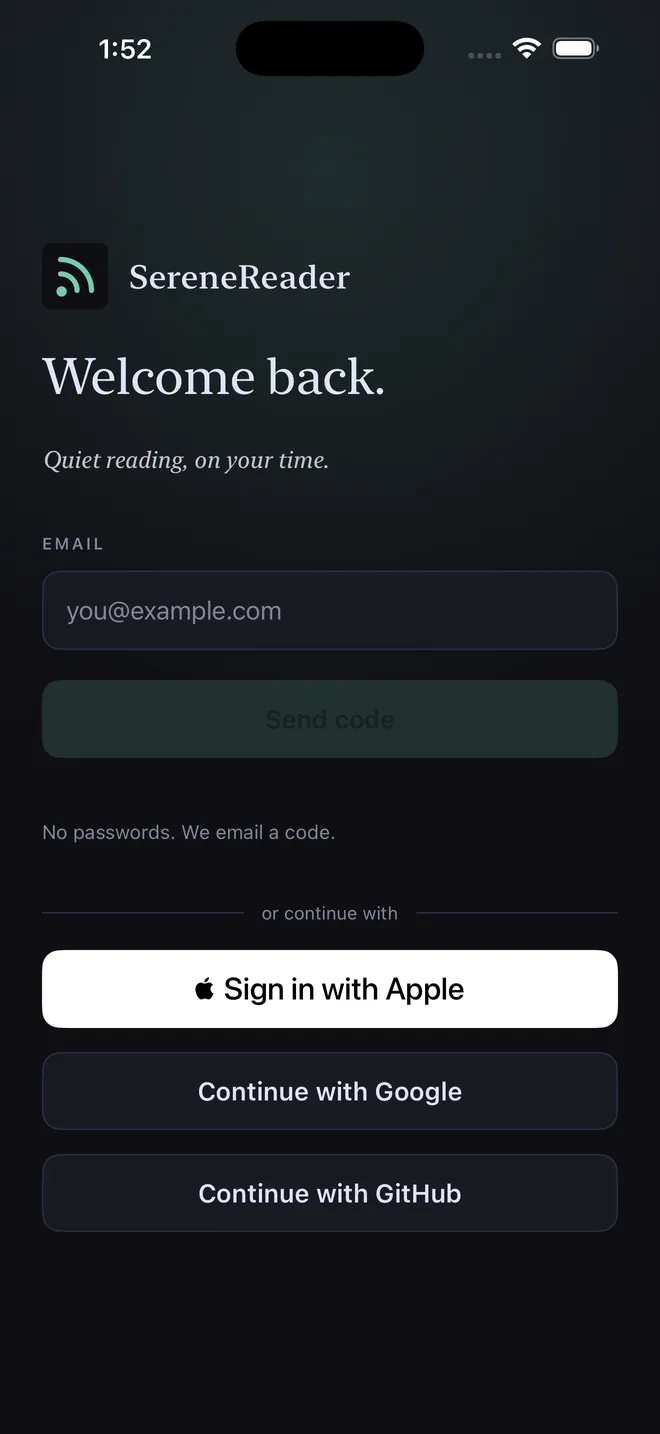
Sign in with an email code, or with Google, GitHub, or Apple.
The apps are English-only and need iOS, iPadOS, macOS, or watchOS 26 or later. There is no Android app. The features page covers the reader itself; pricing covers plans. Web Pro is $5 a month. The same Pro plan is $6.99 as an App Store in-app purchase.
How it differs from Feedly, NetNewsWire, and Reeder
Feedly is a large, web-first reader with Android apps and a busier surface. SereneReader is Apple and web: iPhone, iPad, Mac, Apple Watch, and the browser. Read the Feedly comparison.
NetNewsWire and Reeder are excellent native Apple readers. SereneReader is calmer by design, includes a Watch reader, and keeps the same account on the web. See all comparisons, or how to switch RSS readers.
Get the app
- Download SereneReader from the App Store on your iPhone, iPad, or Apple Watch. On your Mac, use the Mac App Store.
- Sign in with an email code, or with Apple, Google, or GitHub. Apple sign-in is in the apps only for now; signing in on the web with Apple, or linking it to an existing account, is coming soon.
- Your feeds, folders, and read state are already there. Everything syncs with your account.
Questions
Does SereneReader have an iPhone app?
Yes. SereneReader is on the App Store for iPhone, iPad, Mac, and Apple Watch, as one listing. It is free to download. There is no Android app.
Can I read RSS on Apple Watch?
Yes. Browse feeds and smart lists, read article text, and glance at unread headlines from your wrist. Sign in on iPhone. Opening the original page continues on the phone.
Do I need a separate account for the apps?
No. Use the same account as the web. Feeds, folders, and read, star, and read-later state stay in sync.
Does it work offline?
Articles you have on the device stay readable without a signal. Changes you make offline sync when you are back. The Watch uses a snapshot and fetches when you ask.
How much does the app cost?
The app is free to download. Web Pro is $5 a month, billed through Polar. The same Pro plan is $6.99 as an App Store in-app purchase. See pricing.
Is there an Android app?
No. SereneReader is Apple and web. The browser at serenereader.com works on any device.